MeDFLIstvan 2.64
Commodore Plus/4 · DFLI graphics editor

Pixel art.
Real
DFLI Flow.

Cool Tools. Freeware.

Meet MeDFLIstvan v2.64 - Brawscope. A quality-first editor that combines advanced Brush, Draw and Kaleidoscope workflows with hardware-aware color protection.

BRush · drAW · kaleidoSCOPE   /   Less Compromising, More Creating
160 × 200 DFLISmart PreserveWindows · Linux · macOS
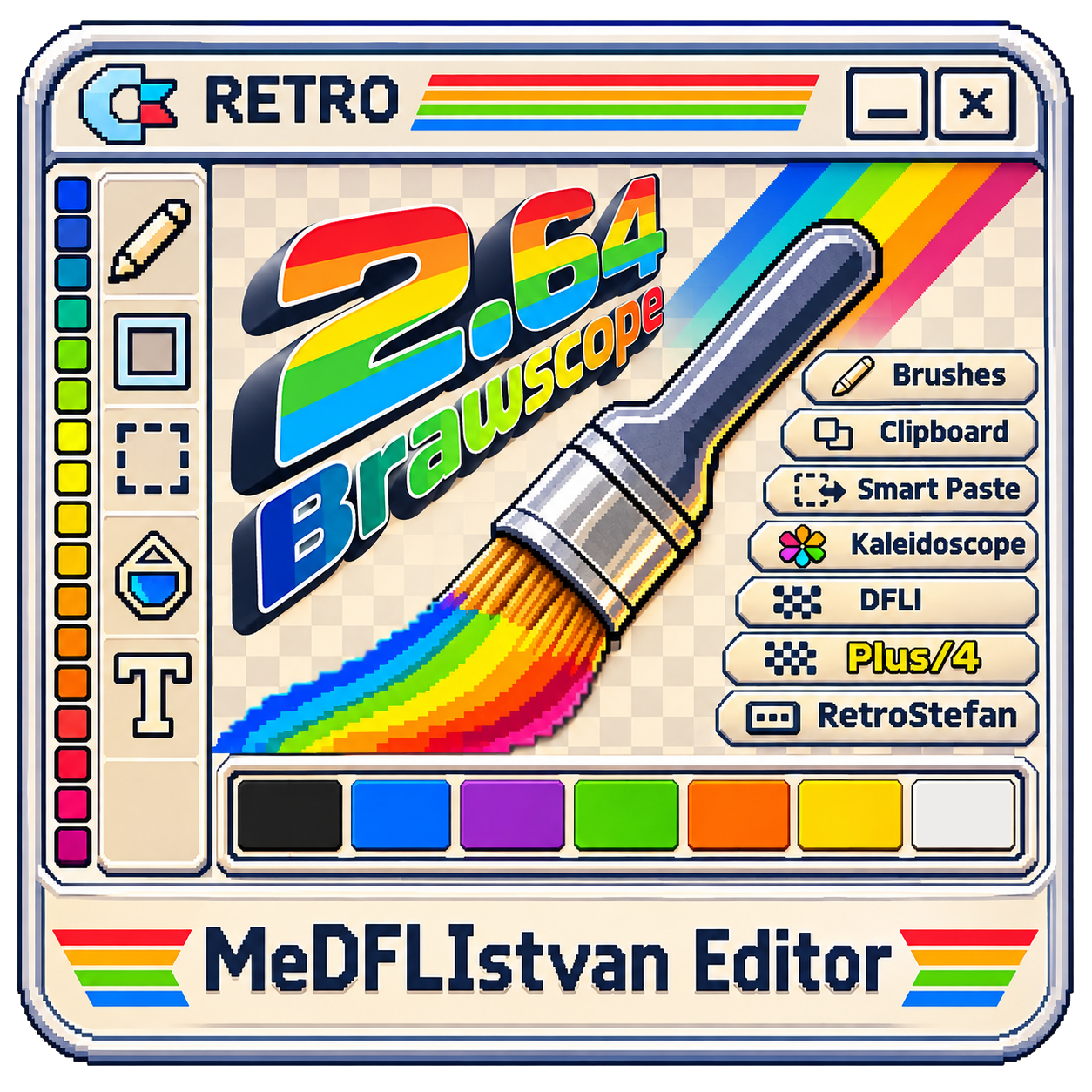
Retro-styled MeDFLIstvan Brawscope graphics editor artwork
Version 2.64 / Brawscope

A bigger creative toolbox.

9 major highlights

Smart Preserve, DFLI-aware Safe Paste, new artistic possibilities and an improved conversion workflow. Every change respects the realities of the Plus/4 palette and its shared color registers.

Major innovation

Smart Preserve - DFLI-aware painting

Attempts to prevent color clashes by intelligently reassigning 2-bit color channels and shared raster or 4×2 block colors, protecting non-targeted visible pixels where the hardware permits. Origi Hardware remains available for direct register-oriented editing.

Major innovation

Smart Paste & Safe Mode

Paste with DFLI-aware collision analysis. Safe Mode can retain exact copied colors for accepted target pixels, leave others unchanged, and protect visible colors outside the paste area when a complete solution is not possible.

Brush · Major innovation

Eight brush modes

Solid, Pattern, Dither, Recolor, Shade Recolor, Shade Luma, Shade Blend and Smooth, with size, flow, opacity, spacing and supported Hard Pixel / Anti-Aliased edges.

Draw · Major innovation

Precision shapes & curves

Line, Polyline, Smooth Polyline, B-Spline, 3-Point Curve, Box, Circle, Triangle and Star, plus Redraw Shape and supported anti-aliased contours.

Kaleidoscope · Major innovation

Radial & mirrored symmetry

Choose Kaleidoscope or Radial style, with Free Drawing or Green Sector Only. Symmetry-aware Solid Brush and Draw tools support more coherent transformed geometry.

Edit Clipboard

Transform, then paste

Work with separate clipboard edits, including Rotate, Resize, Bend and transparency options, before placing the result with a DFLI-aware workflow.

Converter

Improved image-to-DFLI pipeline

Source preprocessing, palette-preserving lift controls, fixed per-line color options and Fast / Medium / Good / Best conversion engines for different quality and speed goals.

Creative tools

Filters, halftone & Magic Raster

Expanded color effects, Color Halftone Pro, directional halftone fills, plus programmable Magic Raster color bands and presets.

Workflow

Blueprint, heatmap & native projects

Use image reference overlays, visual channel diagnostics, custom guide colors, Light / Dark Studio themes and editable .mdfli project saves.

Smart Preserve minimizes color clashes where feasible; it does not guarantee lossless editing under every hardware constraint.

Retro, refined

A new look for a classic machine.

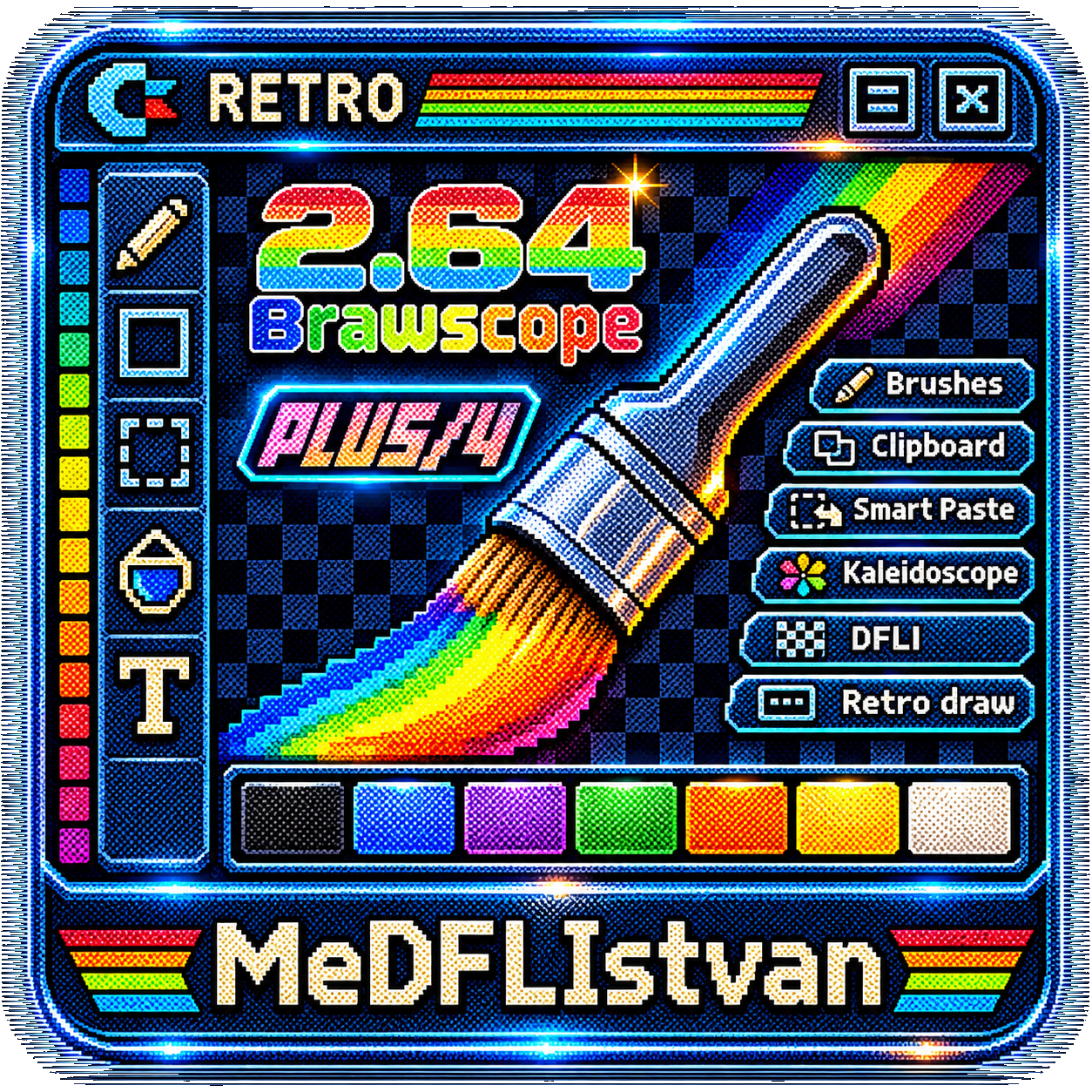
Alternate Brawscope retro promotional artwork

More than pixels.

Freehand painting, precision curves, symmetry, palette-aware correction and editable clipboard transformations - all built around the real DFLI image structure.

From first sketch to an exportable Plus/4 PRG, Brawscope gives the artist more room to experiment while keeping the hardware in view.

See technical details →

2.64 Brawscope

Brawscope 2.64 rainbow lettering
Watch and learn

Video tutorials.

Get started

Download v2.64.

Standalone desktop builds

Choose your operating system. Each package includes a bundled Java runtime;
no separate Java installation is required.

Windows

Windows 10 / 11 · 64-bit (amd64)

✓ Bundled Java runtime

Download Windows ↗

Linux

64-bit x86 desktop systems (amd64)

✓ Bundled Java runtime

Download Linux ↗

macOS

Apple Silicon Macs · ARM64

✓ Bundled Java runtime

Download macOS ↗
Documentation

Everything, explained.

English user manual · v2.64

Get the most from Brawscope.

Complete reference for Brush, Draw, Kaleidoscope, image conversion, export and real Plus/4 color handling.

Beyond the Pixels.

Hardware-aware · v2.64

Real Commodore Plus/4 color architecture underneath an artist-friendly editor. From channel-aware painting and conversion to export-ready DFLI images, Brawscope makes the hardware constraints visible and workable.

160 × 200Logical DFLI canvas
4 × 2Local color block
42-bit paint channels
64 + 64Undo / Redo snapshots
01 / Graphics architecture

Authentic Plus/4 DFLI

Accurate editing of the logical multicolor bitmap with hardware-aware channel allocation.

  • 160 × 200 logical pixels, displayed at the correct 2:1 pixel aspect ratio (320 × 200).
  • Four 2-bit pixel codes: Background FF15, Color1 (AUX1), Color2 (AUX0), PlusColor FF16.
  • FF15 and FF16 colors shared by a raster line; AUX1/AUX0 colors shared by a 4 × 2 logical-pixel block.
  • DFLI Color Map for direct inspection and editing of raster-line and block color assignments.
02 / Color protection

Smart Preserve & Safe Mode

Advanced conflict-aware editing, with direct hardware-oriented behavior still available when needed.

  • Smart Preserve searches for channel reassignments that protect untouched visible colors.
  • Origi Hardware enables more direct register/channel changes.
  • Smart Paste checks DFLI color collisions; Safe Mode can accept verified partial results while preserving untouched pixels.
  • Heatmap and Pointer expose the actual channel and rendered color at a given pixel.
03 / Painting & geometry

Brush, Draw & Kaleidoscope

A richer creative toolbox without hiding the underlying hardware limits.

  • Eight Brush modes: Solid, Pattern, Dither, Recolor, Shade Recolor, Shade Luma, Shade Blend and Smooth.
  • Brush Size 1–64, with Flow, Opacity, Spacing and supported Hard Pixel / Anti-Aliased stroke edges.
  • Precision drawing with lines, curves, polygons and Redraw Shape.
  • Kaleidoscope and radial symmetry, including Green Sector Only workflows for supported tools.
04 / Image conversion

Four DFLI conversion engines

Explore different quality and search strategies, then refine the result in the editor.

  • Fast / Medium / Good / Best - distinct candidate and refinement strategies.
  • Source preprocessing, crop / resize and eight-band Palette Preserve Lift (Band 0–7).
  • Neutral / White Guard and optional fixed per-line FF15 / FF16 constraints.
  • Medium, Good and Best include edge-aware neighboring pixel-code scoring.
05 / Files & export

Real hardware, editable projects

Three complementary export formats and a native format for continued editing.

  • Export PRG + ASM + PNG together: a displayable Plus/4 program, CBM PRG Studio byte tables and a 320 × 200 preview.
  • Import supported Istvanv DFLI, Multi Botticelli MC and Istvanv Multicolor layouts.
  • Native .mdfli v7 projects retain editable image/color information and selected editor states.
  • F9 Quick Snapshot creates a convenient PNG checkpoint.
06 / Workflow & platform

Designed for detailed work

Visual guidance, flexible editing and native desktop packaging.

  • Pixel, DFLI and character grids; selection masks; reference Blueprint; configurable guides.
  • Magic Raster presets and 8 × 25 custom pattern editor; color presets, filtering and halftone tools.
  • Up to 64 Undo and 64 Redo snapshots; Light Studio and Dark Studio themes.
  • Bundled-Java desktop packages for Windows x64, Linux amd64 and macOS Apple Silicon.
Advanced specifications & compatibility notes

DFLI color scope. FF15 background and FF16 plus color are independently configurable per raster line; Color1 / Color2 are shared within local 4 × 2 blocks. This difference is why color clashes must be considered.

Istvanv DFLI import/export. Uses a supported Istvanv-oriented layout with bitmap data and per-line colors; it does not imply support for every PRG layout.

ASM format. Exported data tables use CBM PRG Studio-style BYTE directives; adjustment may be necessary for other assemblers.

Project persistence. .mdfli v7 saves core image/channel data and several tool states, but not every temporary preview or external Blueprint source image.

Platform guidance. Windows 10/11 x64, Linux Mint 22 amd64 and Apple Silicon macOS are documented. Full HD (1920 × 1080) or higher is recommended.

Important limitation. Smart Preserve and Safe Mode are not universal lossless guarantees; feasible results depend on existing colors, target area and hardware constraints.
For exact supported modes, file-layout requirements and operation-specific limitations, consult the official v2.64 Brawscope manual.